Three ways to share your event: link, QR, and embed
Published August 17, 2026
An invitation only works if it reaches people where they already are. Planbuster gives you three ways to get your event out — a link for chats, a QR code for the physical world, and an embed for your own website — and all three lead to the same page where guests RSVP without an account.
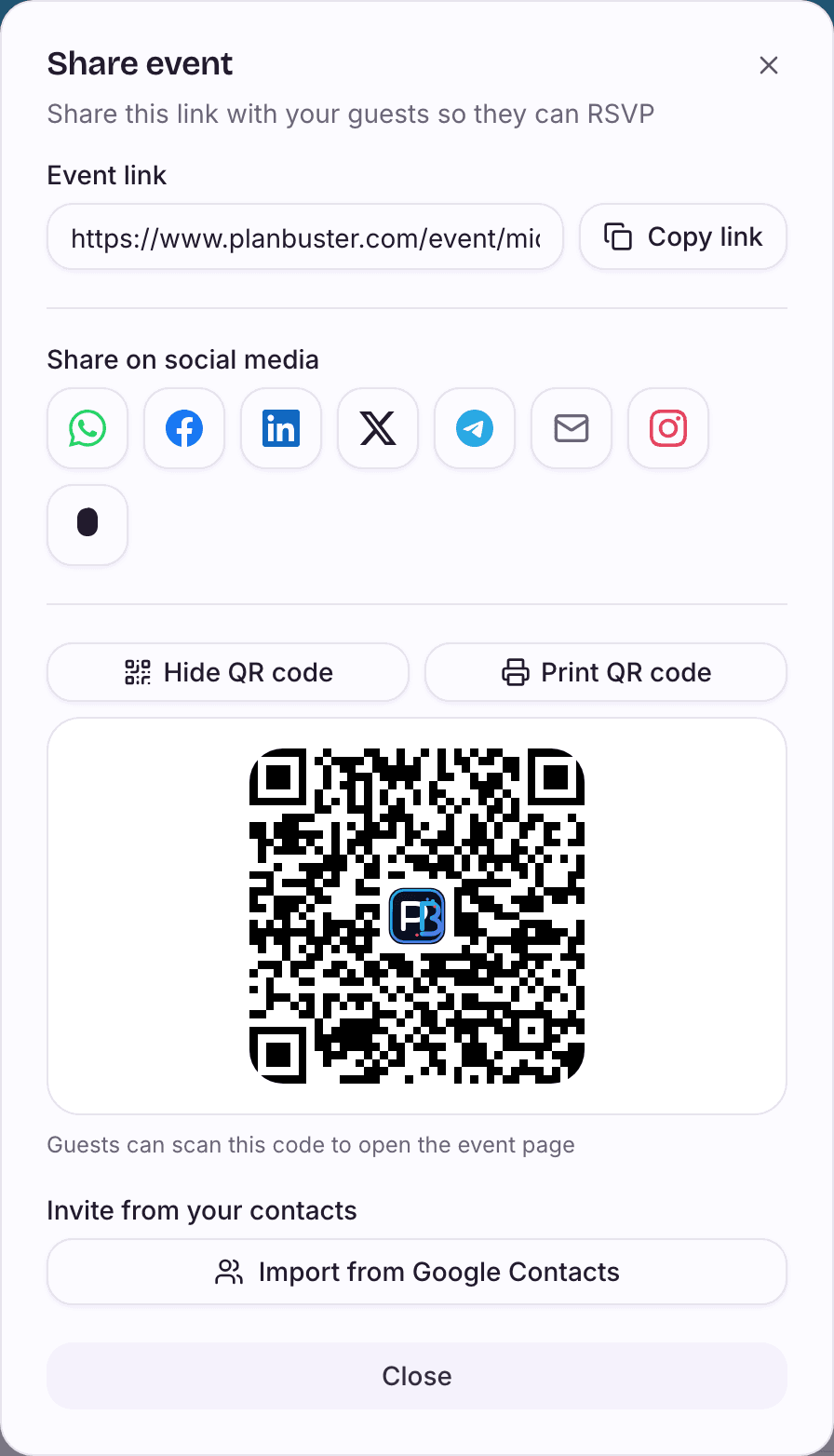
The link does the work
The share dialog copies your event link or sends it straight to WhatsApp, Telegram, Facebook, LinkedIn, X, Snapchat, or email, with an invite text already written. One link is all a guest needs — they reply going, maybe, or can't go without signing up.
Previews that look right
When someone pastes your link in a chat, the preview matters. Planbuster generates a proper preview image for every event and creator page, so your invite shows a title and details instead of a naked URL.
QR codes for the physical world
Show the QR code from your phone or print it — on the classroom door, the venue poster, the office notice board. Anyone who scans it lands on the event page, ready to RSVP.
Your own website
If you have a website, embed an event card or your list of upcoming dates and let it update itself. One publish on Planbuster, and every channel — chat, print, and web — points at the same live page.